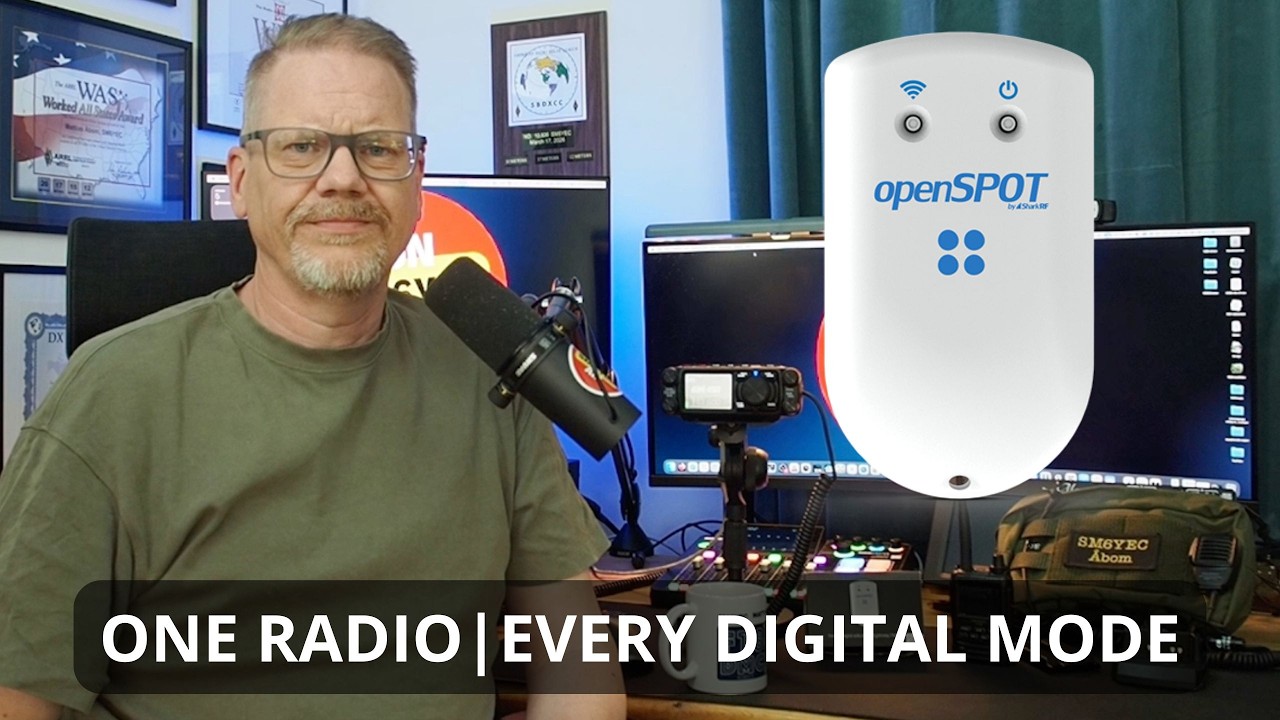
In this video, I show how I use the openSPOT4 PRO to get more from my amateur radio. Instead of buying multiple digital radios, you can continue using your favorite radio while accessing multiple digital voice networks.
We’ll cover the key features, walk through the Quick Setup process, and demonstrate how Cross Mode allows you to use Yaesu System Fusion (C4FM) to communicate on D-STAR, DMR, NXDN, and P25 networks.
You’ll also learn how to use the SharkRF Link app, connect to the web interface, create Configuration Profiles, add multiple Wi-Fi networks, and use the openSPOT4 PRO at home, in your vehicle, or during portable operations.
If you’d like to get more from the radio you already own, I hope this video provides both practical tips and inspiration.
Chapters
00:00 Introduction
01:52 Optimize Your Digital Ham Shack
04:05 SharkRF Link App – Connecting to Your openSPOT4 PRO for the First Time
05:11 Connecting to the openSPOT4 PRO Web Interface
05:25 User Manual
05:45 Quick Setup
07:35 Cross Mode
08:27 Understanding the Connectors and Modem Tabs
09:08 Configuration Profiles
10:26 Adding Additional Wi-Fi Networks
11:17 Making Calls with the SharkRF Link App – No Radio Required
12:29 Summary and Final Thoughts
Support the Channel
☕ Buy Me a Coffee https://buymeacoffee.com/sm6yeconair
73 de Mattias SM6YEC