SM6YEC Spotter
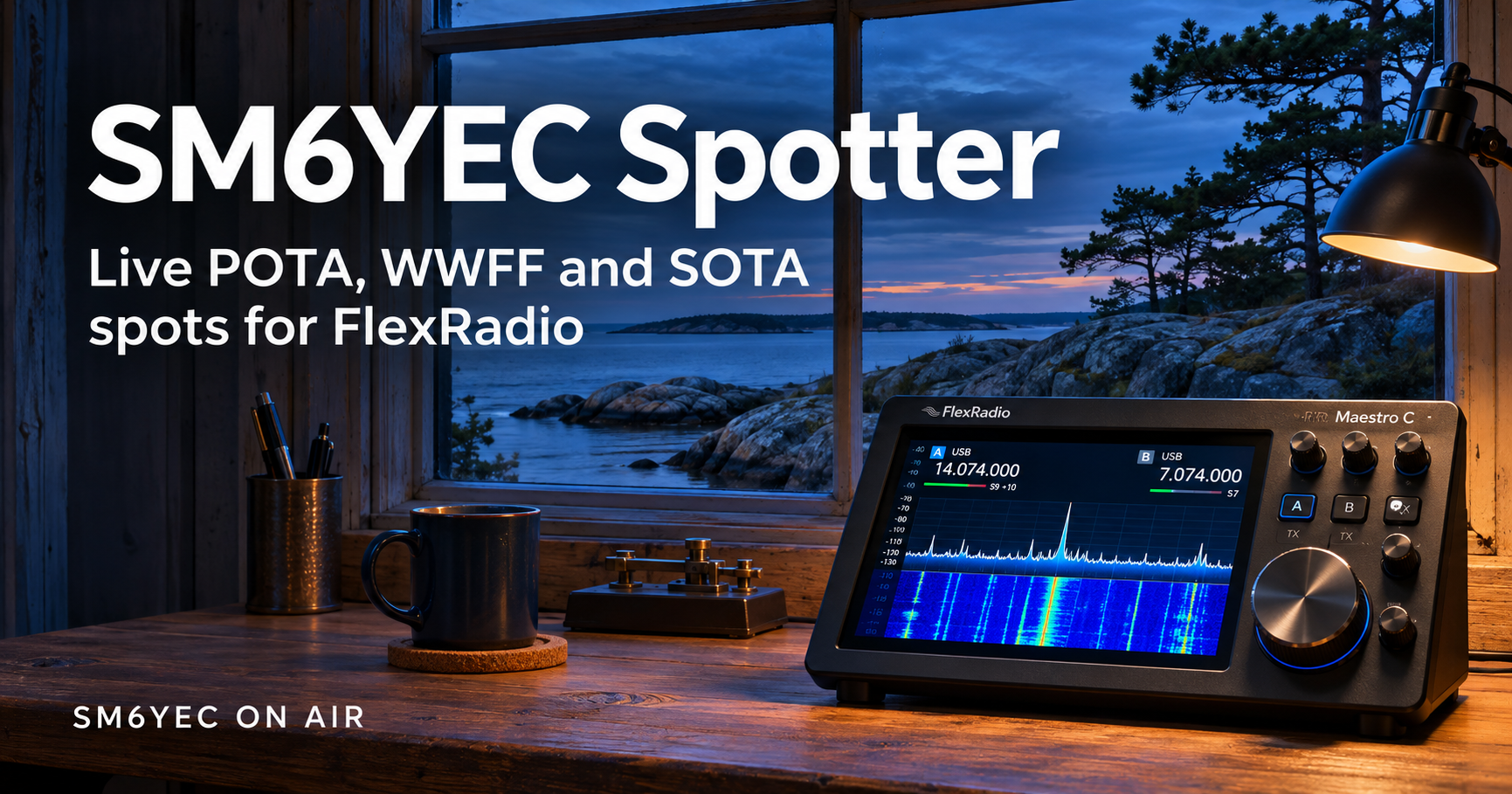
Live POTA, WWFF, SOTA and DX spots for FlexRadio. Works with SmartSDR and Maestro C
The Spotter for FlexRadio Hunters
Click a spot frequency to tune your selected FlexRadio slice. Show callsigns directly on the SmartSDR or Maestro C panadapter.
Available for macOS and Windows.
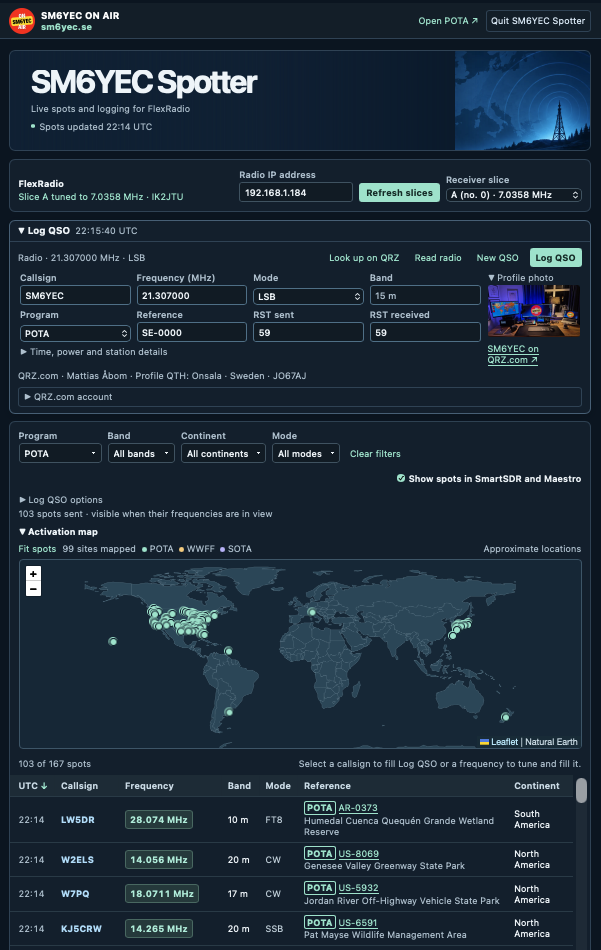
Activation map and QSO logging with QRZ lookup. Fold away the map or logging panel to give the spot list more room.
FOR MAC AND WINDOWS
Find, tune and log with SM6YEC Spotter
FIND SPOTS
Filter POTA, WWFF, SOTA and DX spots by band, continent or mode. Select multiple bands or modes to see them together.
EXPLORE THE MAP
See active parks, summits and DX stations. The map follows the filters you set in the spot list.
TUNE YOUR FLEXRADIO
Click a spot frequency to tune your selected slice. Show spots on the SmartSDR or Maestro C panadapter.
LOG YOUR CONTACTS
Fill in a QSO in Spotter or send spot details to MacLoggerDX on macOS or Log4OM 2 on Windows. In the DX list, see worked bands and DXCC status from your log.
Download SM6YEC Spotter v2.0
Choose your platform. Full setup and logging instructions are included in Read Me.txt.
Download for macOS
- Extract the ZIP and move SM6YEC Spotter.app to Applications.
- Requires Python 3.9 or later.
- Open the app from Applications. If macOS blocks it, select Open Anyway under System Settings → Privacy & Security.
- MacLoggerDX integration includes callsign, references and Notes. Automatic WWFF and SOTA entry requires Accessibility permission.
The app opens in your browser. Use Quit SM6YEC Spotter to stop it.
Download for Windows
- Extract the entire ZIP. Keep Resources beside SM6YEC Spotter.exe.
- Requires Python 3.9 or later. Select Add python.exe to PATH during installation.
- Double-click SM6YEC Spotter.exe to start.
- Send callsigns to Log4OM 2 and add POTA, WWFF and SOTA references under Awards (F3)
The app opens in your browser. Use Quit SM6YEC Spotter to stop it.