
SM6YEC-10 – Winlink Gateway in Onsala, Sweden
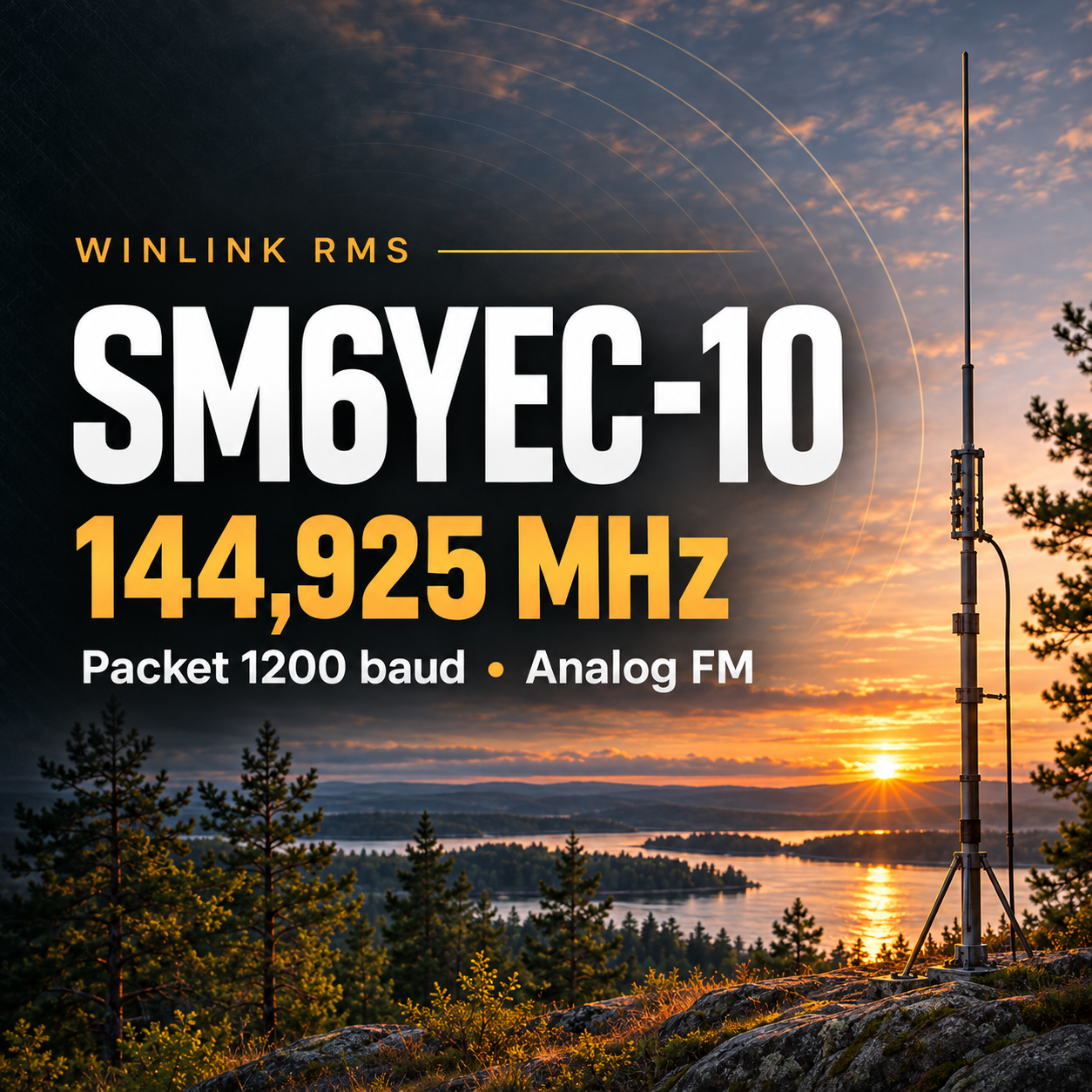
SM6YEC-10 is my VHF Winlink gateway in Onsala on Sweden’s west coast. It normally runs around the clock, and stations up to 90 km (56 miles) away have successfully connected.
Gateway Status
SM6YEC‑10 · Onsala
144.925 MHz · 1200-baud packet · JO67AJ
Loading CMS status…
All times are shown in Swedish local time. The CMS check verifies the gateway’s connection to the Winlink servers. A separate over-the-air test is needed to verify the VHF link.
How to Connect to SM6YEC-10
The gateway is available to licensed amateur radio operators. You’ll need a Winlink account, a VHF transceiver, a compatible packet TNC or sound modem, and a Winlink app such as Winlink Express for Windows, WoAD for Android, or RadioMail for iPhone and iPad.
Connection Settings
RMS Callsign: SM6YEC-10
Frequency: 144.925 MHz
Mode: Packet 1200 baud (AX.25)
Modulation: Analog FM Simplex
CTCSS/DCS: Off
Locator: JO67AJ
Connecting to the RMS
- Tune your VHF radio to 144.925 MHz FM simplex.
- Connect your radio to your packet TNC or sound modem.
- Open your Winlink app and select a Packet Winlink session.
- Select 1200 baud and enter SM6YEC-10 as the destination. Leave the digipeater field blank for a direct connection.
- Start the session to send and receive Winlink messages.
You can connect over VHF without internet access on your end. The gateway uses its own internet connection to relay messages to and from Winlink’s central servers.
Need Help Getting Started?
In RadioLab #1, I show how to use Winlink on VHF with WoAD on Android. I demonstrate two setups: a VGC VR-N76 and a Yaesu FT5D with a Mobilinkd TNC4.
Watch RadioLab #1 to see how I use Winlink on VHF. Free step-by-step setup guides are available in English and Swedish.
Station Setup
Computer: Raspberry Pi running LinBPQ and Dire Wolf
LinBPQ: Manages radio sessions and the connection to Winlink
Dire Wolf: Acts as the packet modem
Interface: DigiRig connects the Raspberry Pi to the radio
Radio : Yaesu FTM-510 running at 25 W
Antenna: Diamond X500 mounted about 10 metres above ground
Help Me Test the Gateway
If you give SM6YEC-10 a try, I’d like to hear where you were operating from, what equipment you used, and whether you could send or receive a message. If the session got stuck, let me know how far you got. That helps me troubleshoot the gateway.